
The participant portal - Caresquare
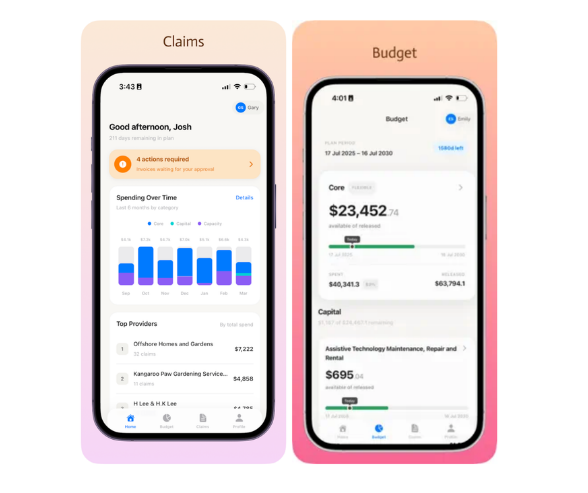
Caresquare is P2P’s Plan Management Portal. As a participant or nominee, you have access to this platform so that you can view your budget, claims and other information.
How can I access Caresquare?
You can use Caresquare on a computer, or on your phone with an app.
Computer link: https://p2p.ndisportal.au/login
App - Iphone / Ipad: https://apps.apple.com/au/app/caresquare/id6503811727
App - Android: https://play.google.com/store/apps/details?id=com.caresquare.ios
You will be sent an email with your username and password. If you cannot find this information, please contact P2P.
What can I do in Caresquare?
There is a lot of information available to you in Caresquare. You can view your claims, budget, spending history and alerts, plus even send reimbursement requests directly to P2P.
Budget Information
The Budget tab gives you a detailed view of your funding, including how much is available, how much has been spent, and how your budget is tracking over time and the next funding period release (if applicable).
Analytics
The Analytics Tab gives you information about where your money is available, and provider and spending trends.
Claims
The Claims tab allows you to view, search, and manage your invoices and reimbursement requests in one place. You can see new and old claims in this screen.
Approvals Tab
If you have approvals set up for your participant, this tab will show any claims pending approvals.
Documents Tab
The Documents tab allows you to access files that have been shared to a participant’s profile. You can view and download documents directly from here.
How to Submit a Reimbursement using the mobile app
In the Caresquare app, you can also send P2P your reimbursement requests straight away. This helps these claims be paid quickly. Make sure your invoice has a receipt or shows as paid.