
You will receive an email from P2P that looks like this:
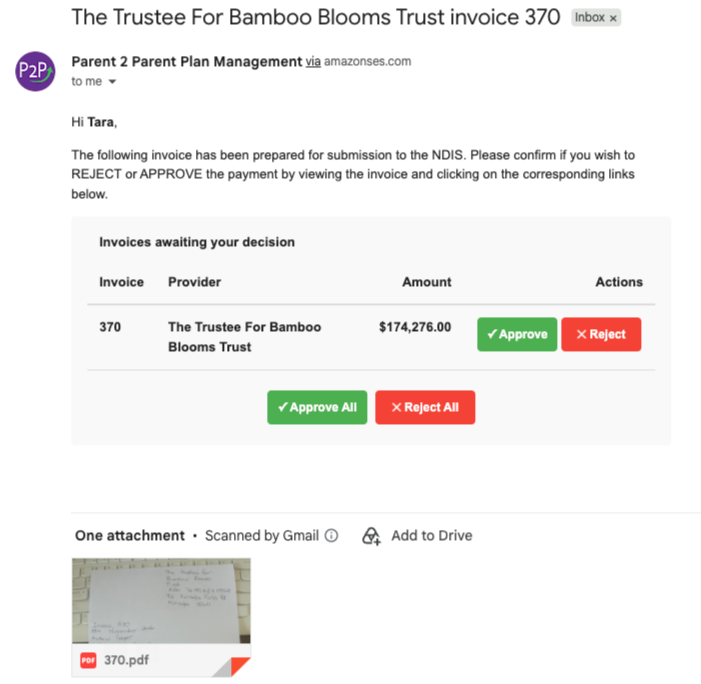
If you want to see the invoice file, click on the attachment.
Once you make a decision, you can click on the icon  or

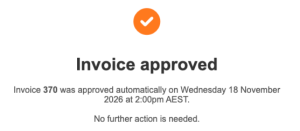
You will see a confirmation that it has been approved.
If you want to reject the invoice, please give a reason.
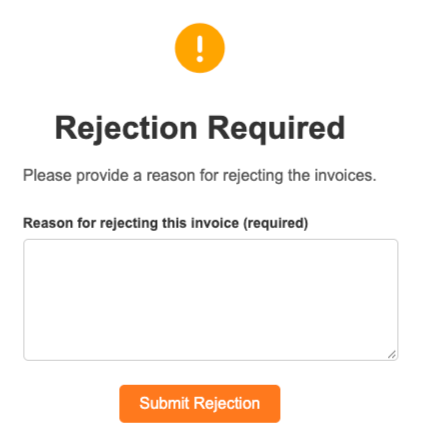
Then click Submit Rejection
If the invoice is corrected or you are ready to claim it after you have clicked Reject, please let P2P know by email.