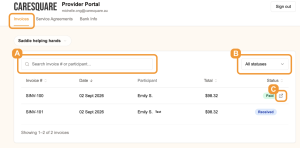
View Remittance
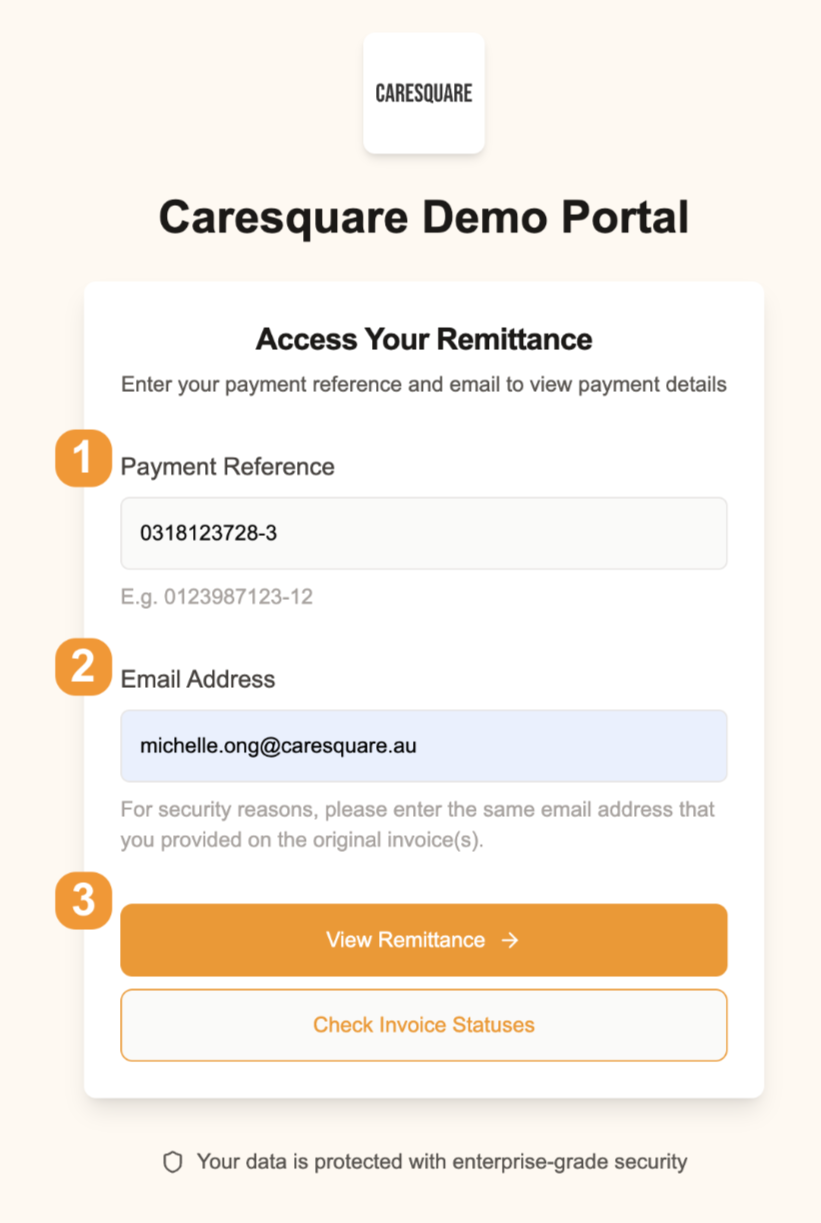
If you have received a Payment Reference, you can use it to access the associated remittance.
Open the Provider Portal link https://p2p.remittances.au/, enter the payment reference and your email address select View Remittance.
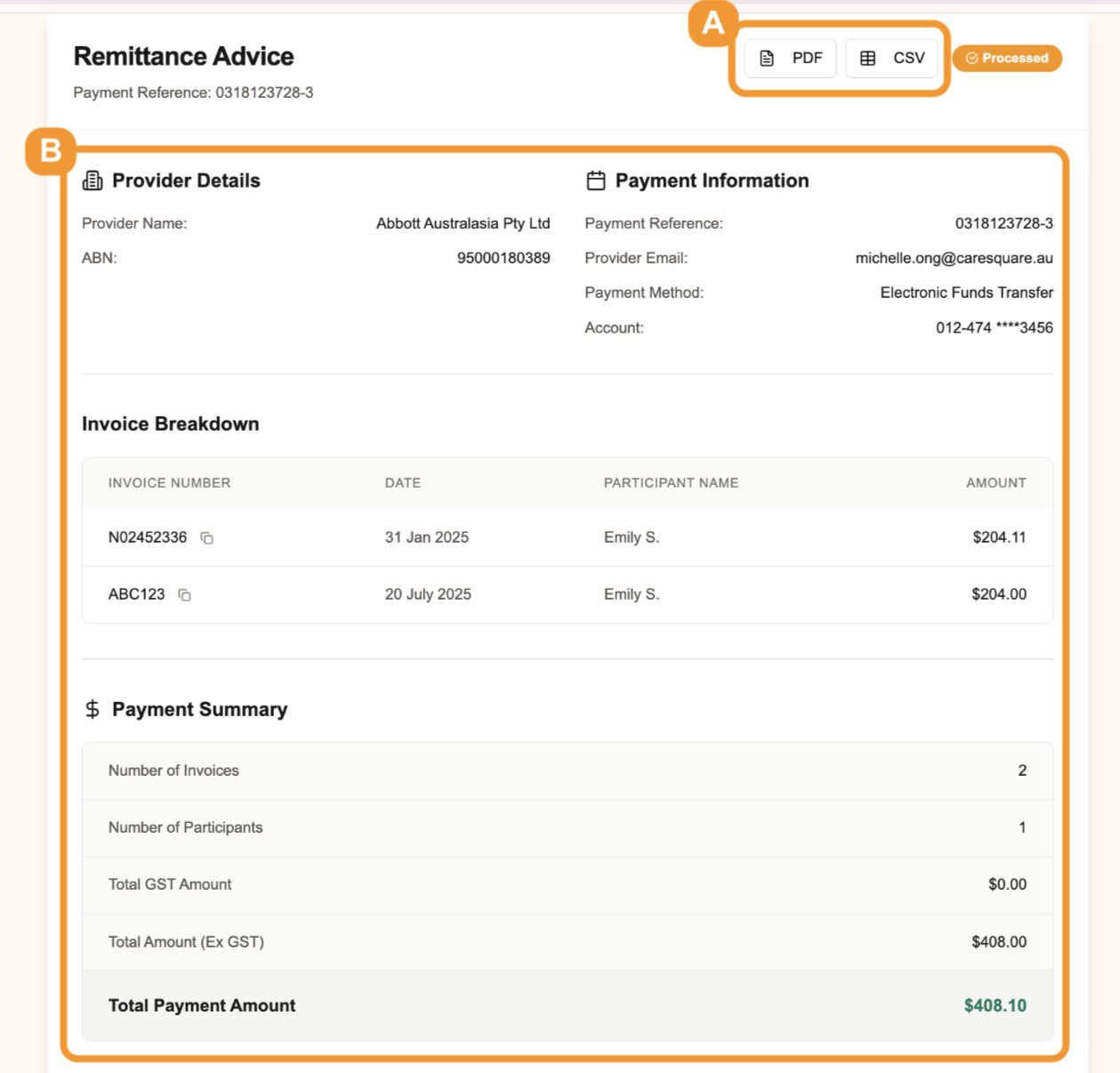
Once the details have been entered successfully, the remittance will be displayed. You can view the details or download a PDF or CSV file.
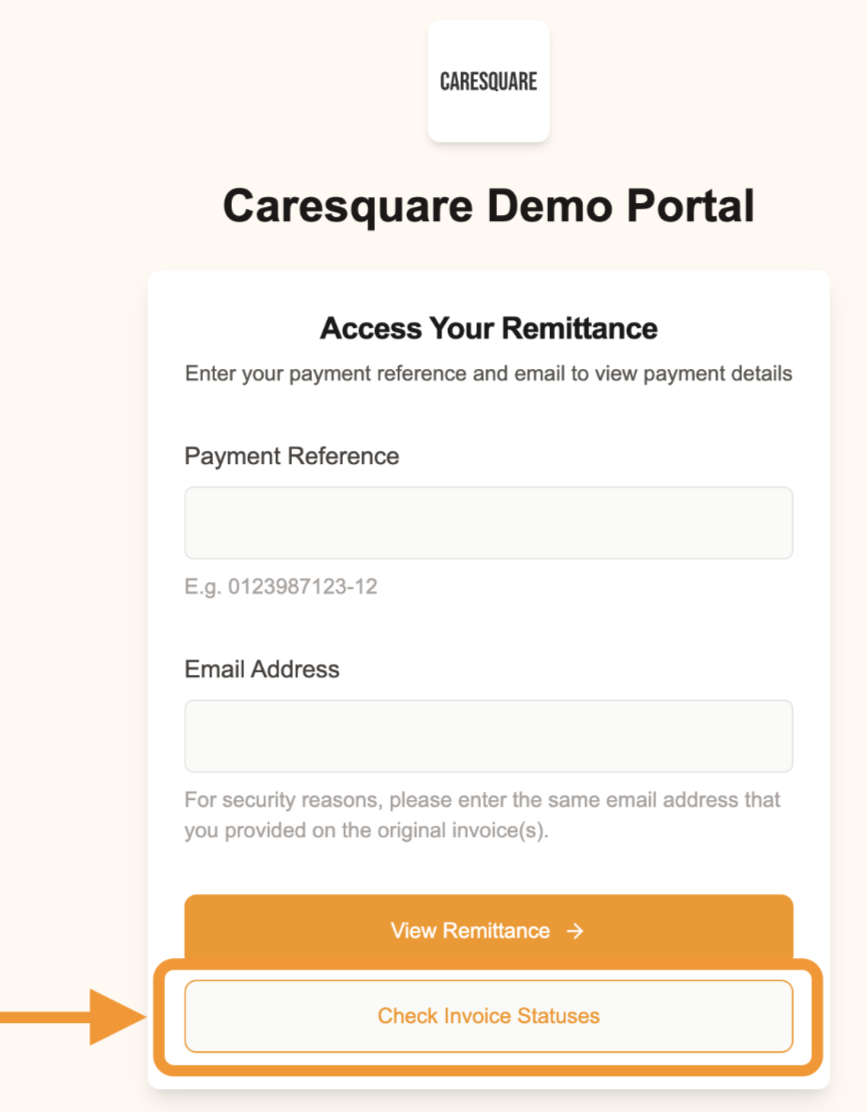
Check Invoice Status
The Provider Portal also allows you to check the current status of invoices. Choose Check Invoice Status.
Enter your email address, and select send verification code.
Enter the six-digit code from your email and select Access Invoices.
You will have access to three pages, invoices, service agreements and bank information that can be used to view your invoices and claims.