You can view all claims in your platform account. In your Claims screen, you can view and see details of the status.
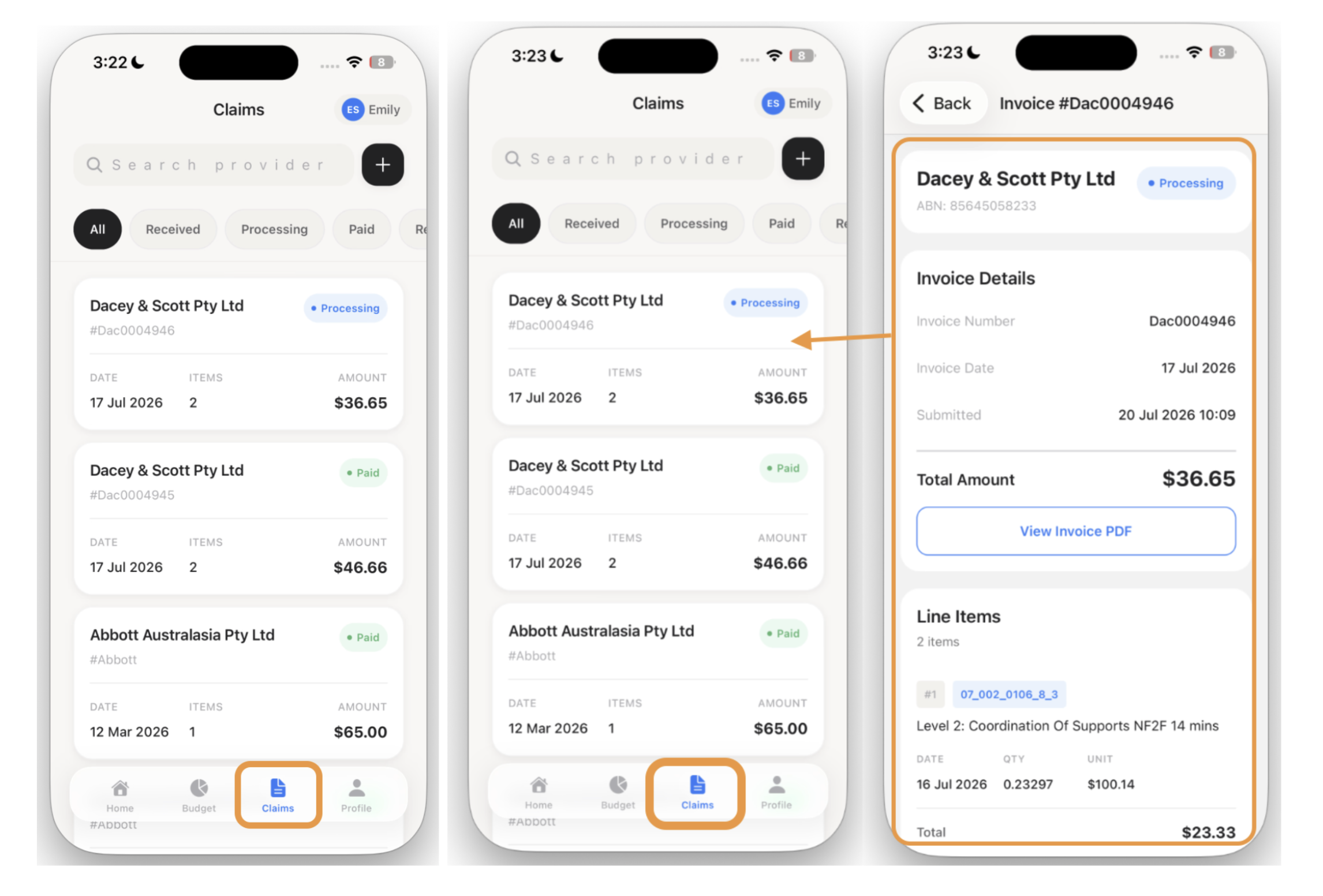
Here is a list of what the different statuses mean.
| Status | Meaning |
| Received | P2P has received the invoice and it is in the queue to be checked. |
| Processing | Invoice is entered into the system, the P2P team is reviewing the claim information to make sure it follows the NDIS rules |
| Paid | The invoice has been paid. |
| On Hold | There may be a delay in the invoice due to incorrect information, an issue with the plan or claims that don’t meet the NDIS rules. |
| Rejected | An invoice has been rejected by an authorised approver. |